Sync across iPhone, iPad and Mac
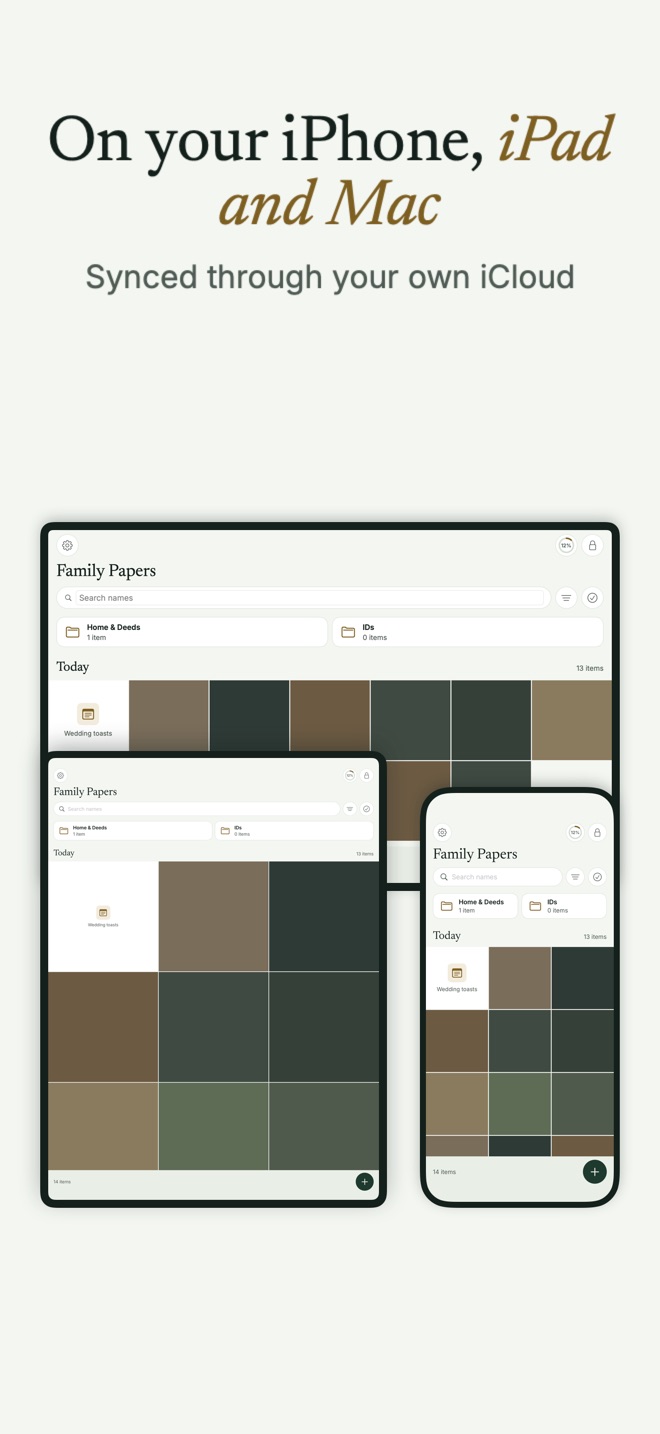
With Bunker Pro, a vault syncs between your iPhone, iPad and Mac through your own iCloud, encrypted on each device before anything leaves it. Add a photo on your phone, and it’s there the next time you open that vault on your Mac.
How it works
Sync is built on Encrypted Backup, so backup must be on for the vault. Each device uploads its changes as encrypted, padded records to your private iCloud database and pulls the others’ changes from there. Apple stores and delivers the records; it can’t read them.
Adding a device. On a device with nothing in Bunker yet, draw the vault’s Pattern during the first-run restore, and the vault joins. On a device that already has vaults, choose Open a Shared or Legacy Vault → My Vault From iCloud on the unlock screen and type the vault’s Recovery Phrase. You do this once per vault per device. Needing the phrase here is deliberate: it means an unknown Pattern never triggers an iCloud lookup, which keeps unlocks the same for every Pattern and keeps a Duress Vault from quietly pulling vaults back.
When it syncs. When you open the vault, when you return to Bunker, when iCloud signals a change, and every 5 minutes while the vault is open. On Wi-Fi unless you allow cellular data. A vault syncs only while it’s open on that device: its keys exist only while it’s unlocked.
How changes merge.
- An item added on one device is never lost to a delete made on another device that hadn’t seen it.
- A delete from another device moves the item to Recently Deleted here, so you have 30 days to change your mind.
- For renames and moves, the later change wins. Folders and your custom order sync too.
The mass-delete safeguard
If a change from another device would remove more than half of a vault’s items, Bunker pauses and asks on this device before applying it.
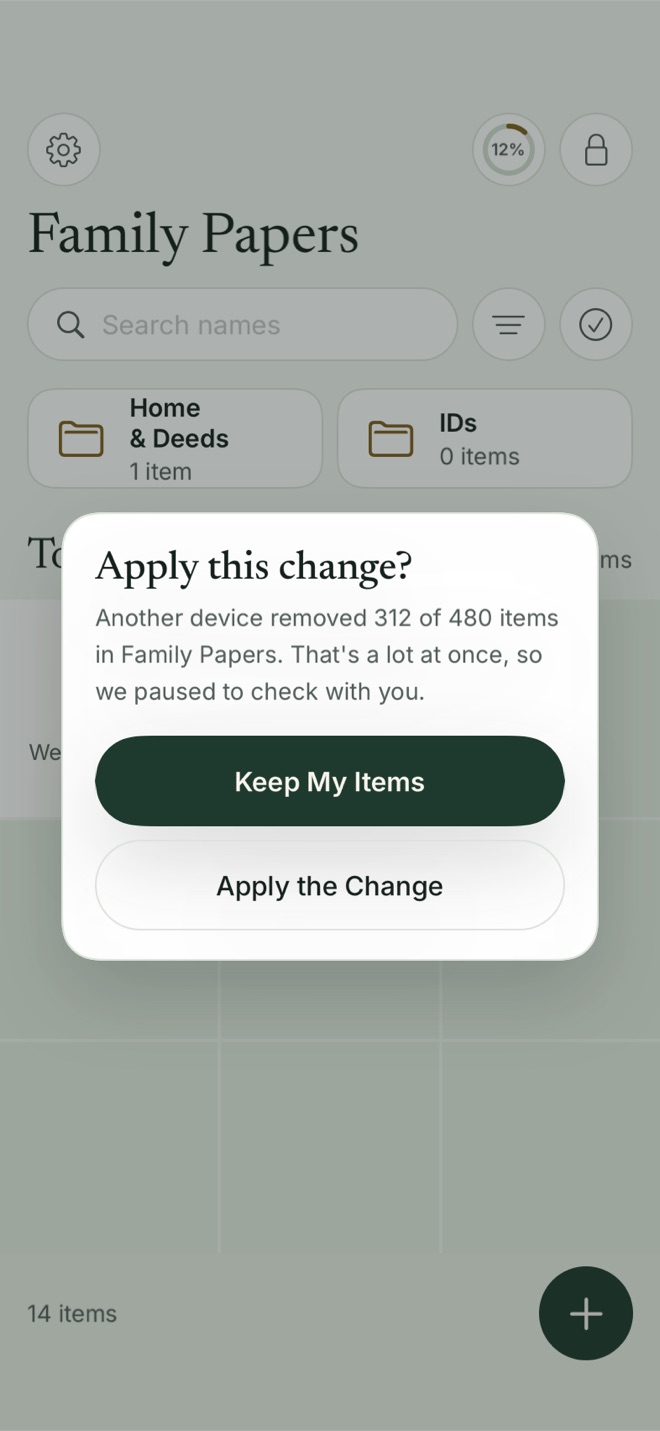
Keep My Items keeps everything here and sends it back to your other devices on the next sync.
Seeing and stopping sync
Vault Settings → Device Sync shows something like “This iPhone + 2 others”. There are no device names or models anywhere, in the app or in iCloud. A device that hasn’t synced for 30 days drops off.
Stop Syncing on This iPhone keeps the vault on this device and stops it syncing here. Turning sync back on asks for the Recovery Phrase.
If you change a vault’s Pattern on one device, your other devices ask for the new Pattern the next time you draw the old one, and show nothing of the vault until you do.
If one device runs an older version of Bunker that can’t read the vault’s newer format, it pauses with “Update Bunker on this device to keep syncing” rather than writing over newer data.
What it protects against
- Losing a device: the vault is still on the others and in iCloud.
- Apple and Bunker reading your items in transit or at rest in iCloud.
- One device’s mistake, or someone on one device, wiping a vault everywhere in one go.
What it doesn’t protect against
- Someone with one of your unlocked devices and a vault’s Pattern. Changes they make sync like yours.
- Smaller deletes. Removing fewer than half the items applies without asking; Recently Deleted on each device is your safety net.
- Duress on other devices. A Duress Vault clears vaults only on the device where it’s opened.
- Patterns of activity in iCloud. Someone who can read your iCloud data can see when records change, though not what’s in them.
Free or Pro
Sync is part of Bunker Pro. On Free, each device keeps its own vaults, and Encrypted Backup still protects them. If Pro ends, sync stops and each device keeps what it has.
Related
- Encrypted Backup, the foundation sync runs on.
- Bunker on Mac.
- Vault Sharing, for giving a copy to someone with a different Apple Account.
- Pattern Encryption and the Recovery Phrase you’ll need to add a device.
Questions
Do I need the same Apple Account on every device?
Yes. Sync runs through your own private iCloud database, so every device must be signed in to the same Apple Account. To give someone else a copy, use Vault Sharing.
Why didn't my iPad update?
A vault syncs only while it's open on that device, because Bunker holds its keys only while it's unlocked. Open the vault on the iPad and it catches up. Vault Settings → Device Sync → Sync Isn't Working? has a checklist.
What happens if I delete something on one device?
It moves to Recently Deleted on your other devices, where it stays for 30 days. If a change would remove more than half of a vault, each device asks before applying it.
Can Bunker sync with an Android phone or a Windows PC?
No. Bunker runs on iPhone, iPad and Mac only.